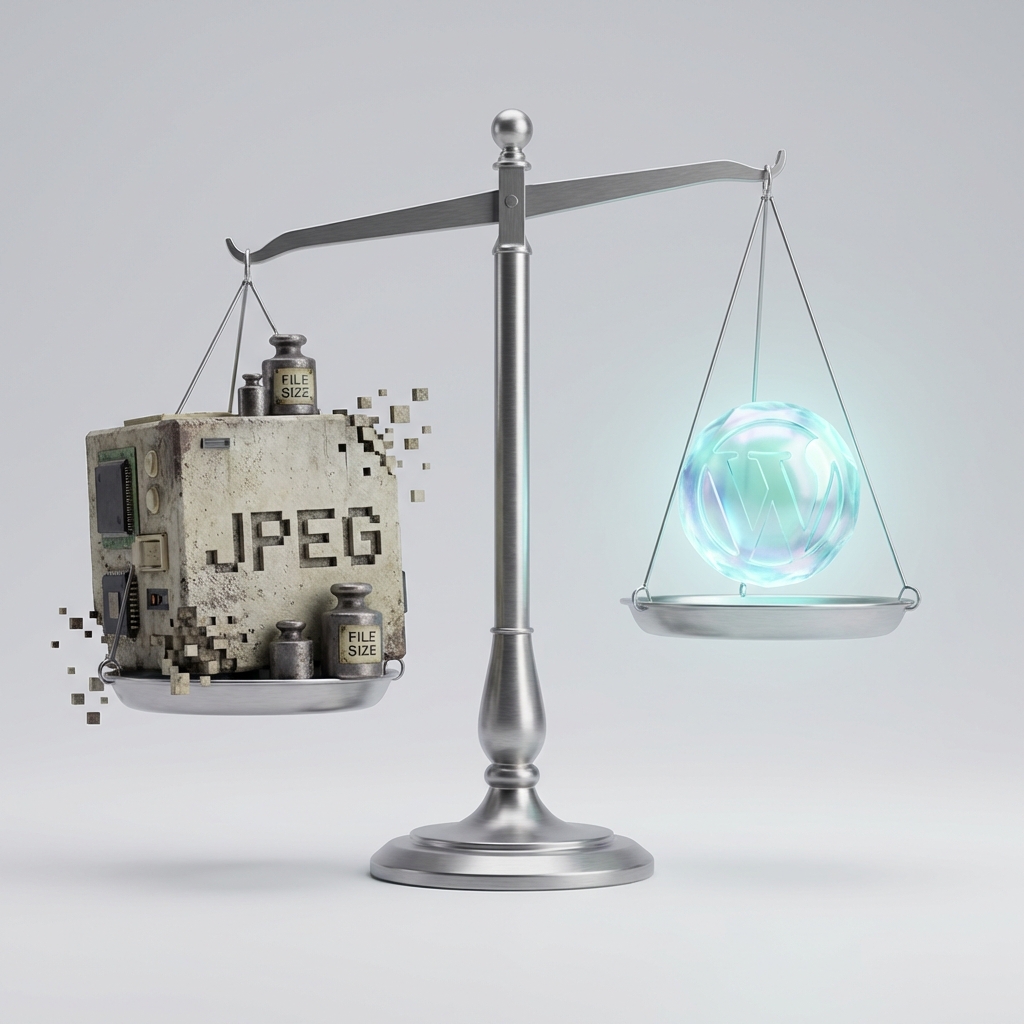
Google’s Core Web Vitals are now a major ranking factor. If your site is slow or “jumps” as it loads, your search rankings will suffer. The good news? Most Core Web Vitals issues are caused by images, and they are easy to fix.
The Big Three
- Largest Contentful Paint (LCP): Measures loading performance. Fast images = Fast LCP.
- First Input Delay (FID): Measures interactivity. Less heavy image processing = Better FID.
- Cumulative Layout Shift (CLS): Measures visual stability. Defining image dimensions = Zero CLS.
How to Win at Images
To get a perfect 100 on PageSpeed Insights, follow these three rules:
1. Serve Next-Gen Formats
Always use WebP or AVIF. They provide better compression than JPG or PNG.
2. Properly Size Images
Don’t serve a 4000px image if it’s only being displayed at 400px. Resize your images to the exact dimensions they’ll be shown at.
3. Use aspect-ratio
Always define the width and height of your images in HTML or CSS. This tells the browser exactly how much space to reserve, preventing CLS.
With SmolPixel, you can handle all three of these steps in one simple workflow. Try it today and watch your scores climb!